GPX → Print-ready Poster
Give your rides
a place on the wall.
Upload your GPX, pick a style and tweak the title, colors and stats. Print-ready in seconds.
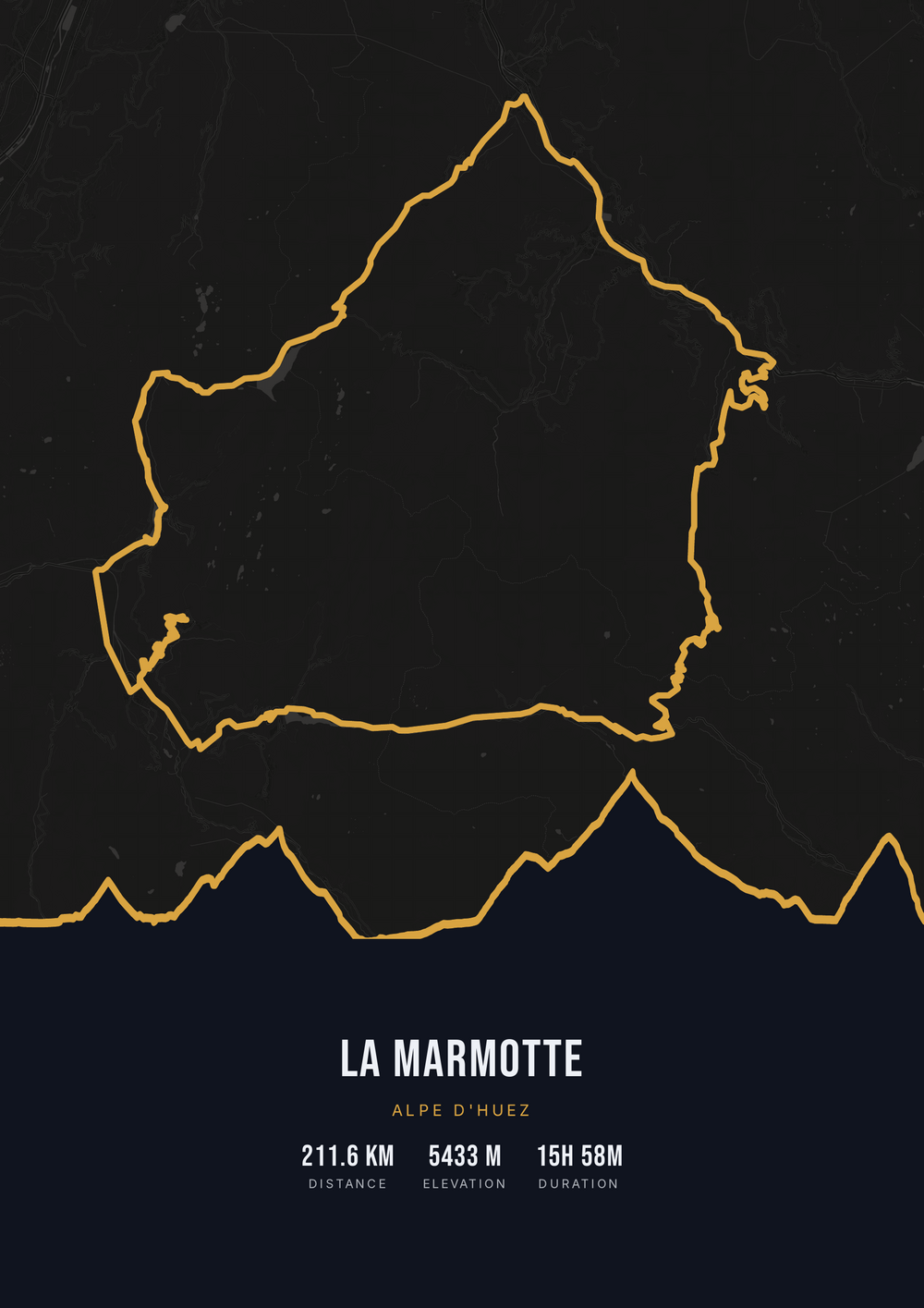
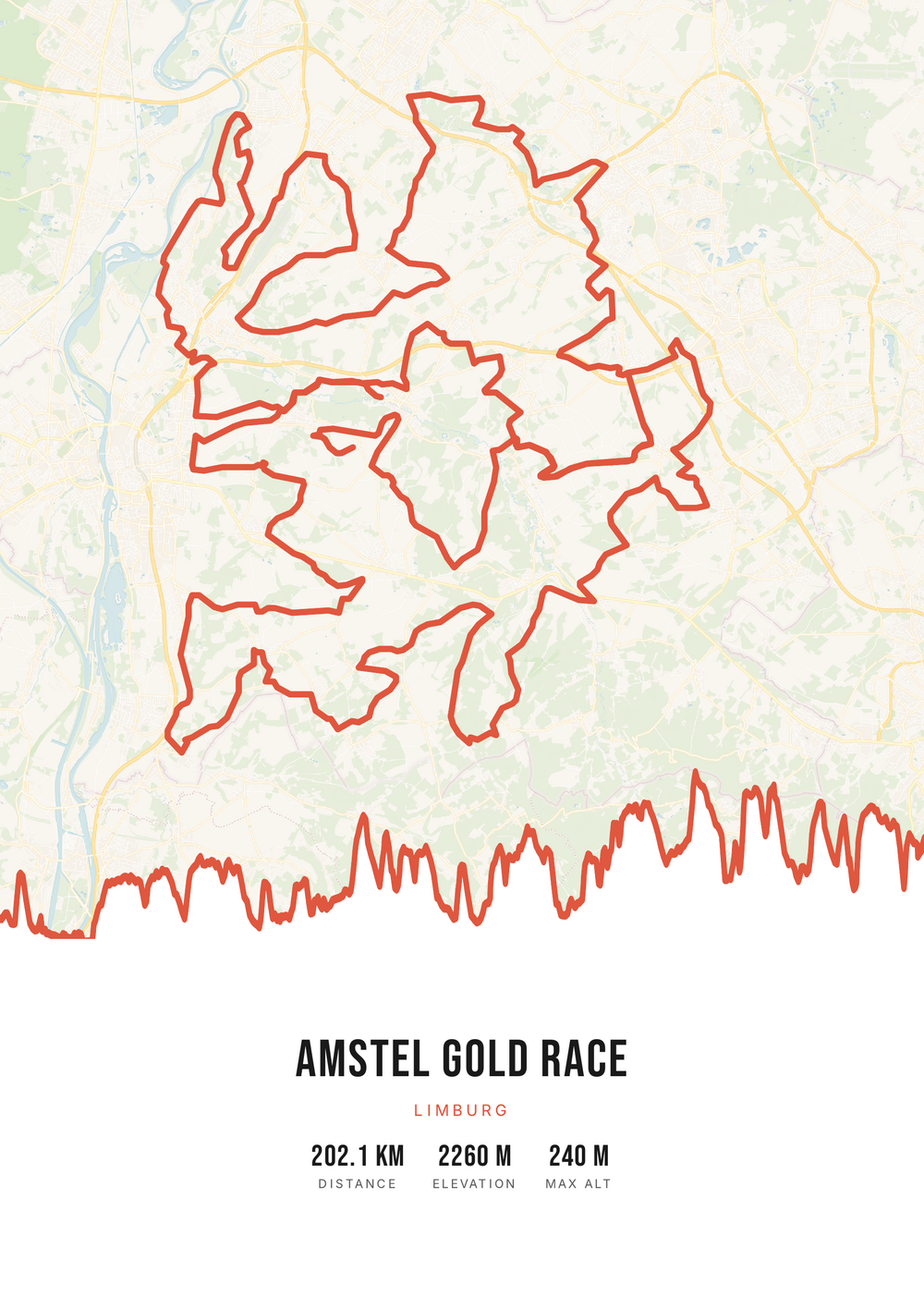
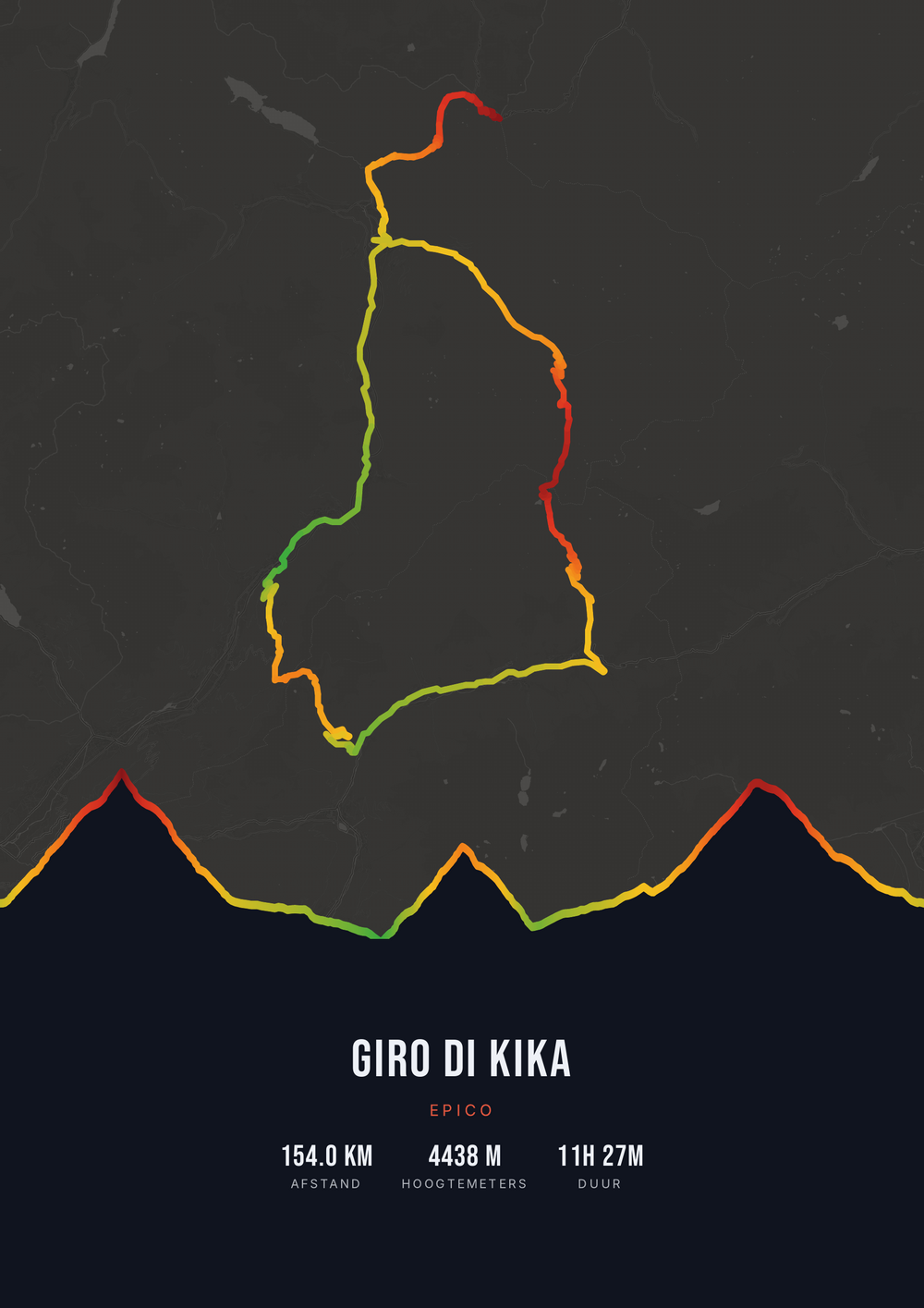
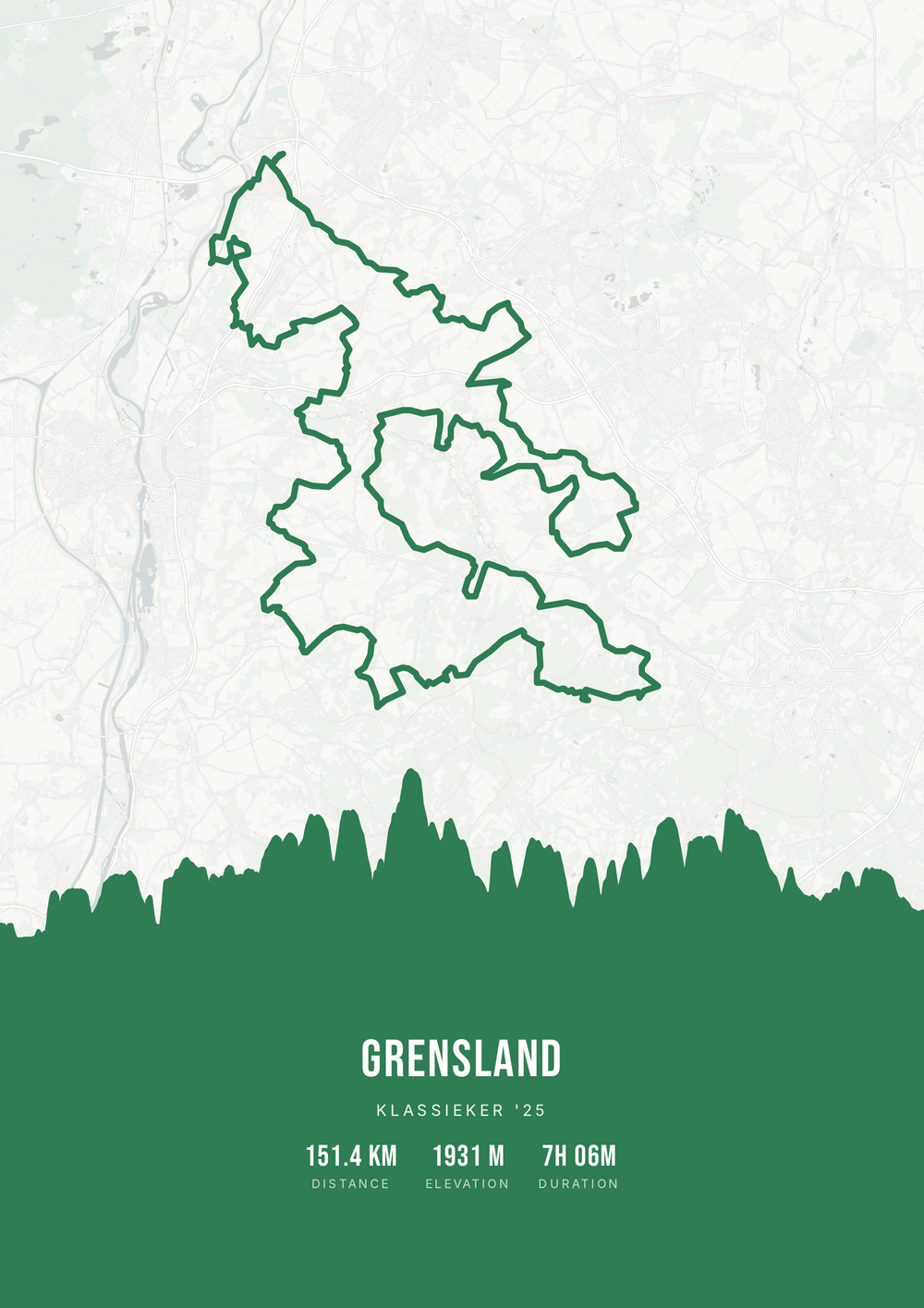
One ride. Endless looks.
Different rides, each in its own palette, map style and elevation gradient.
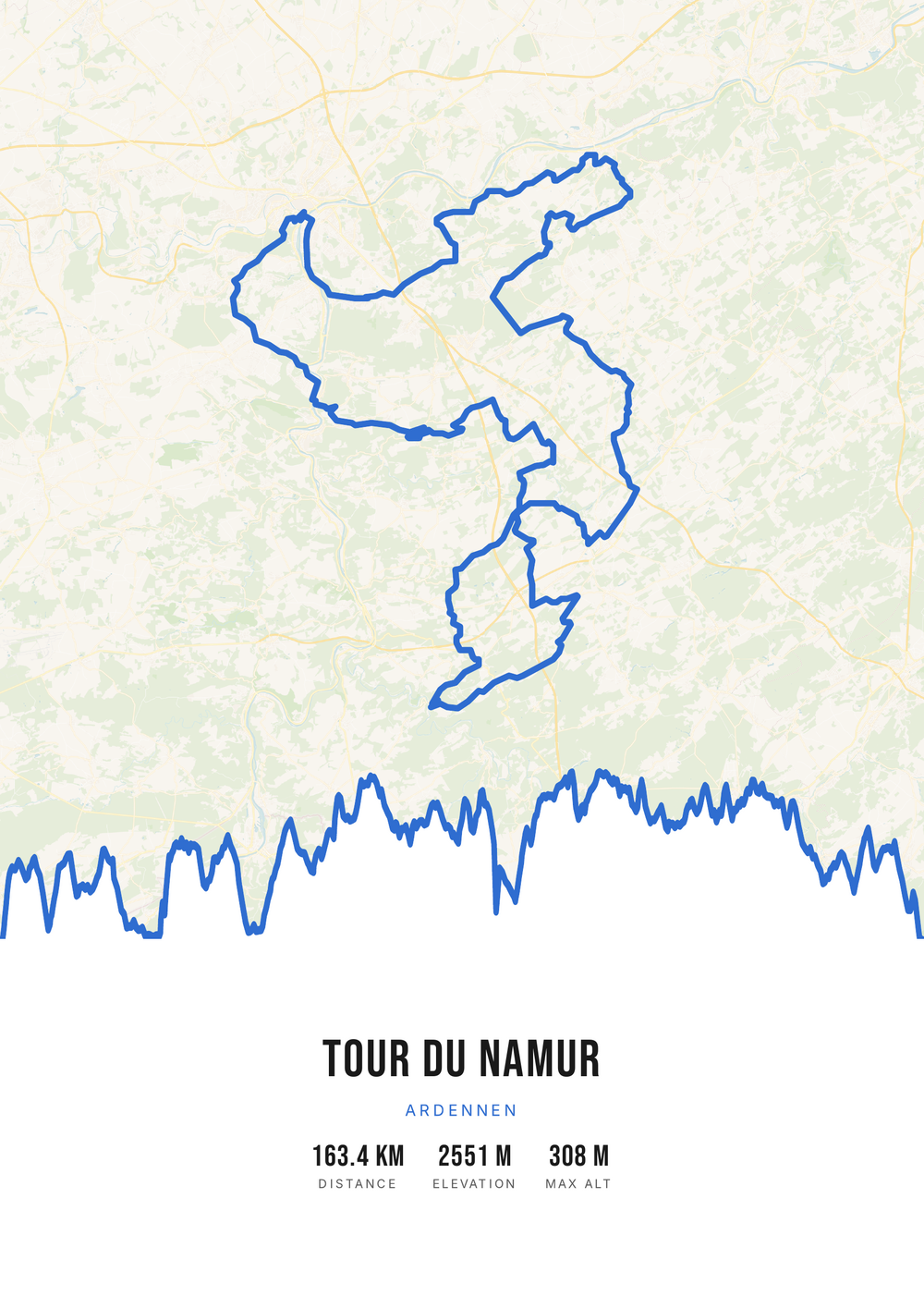
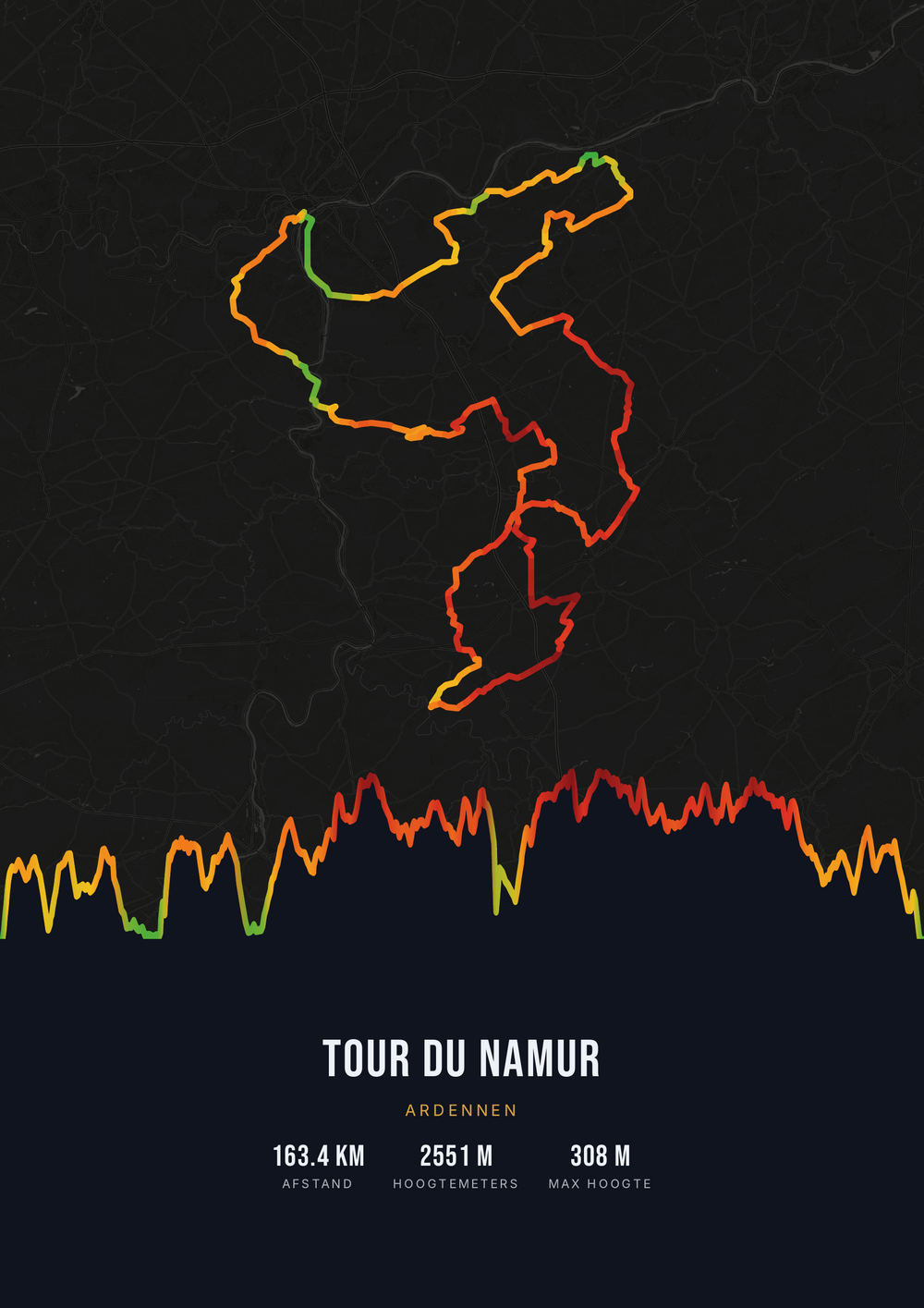
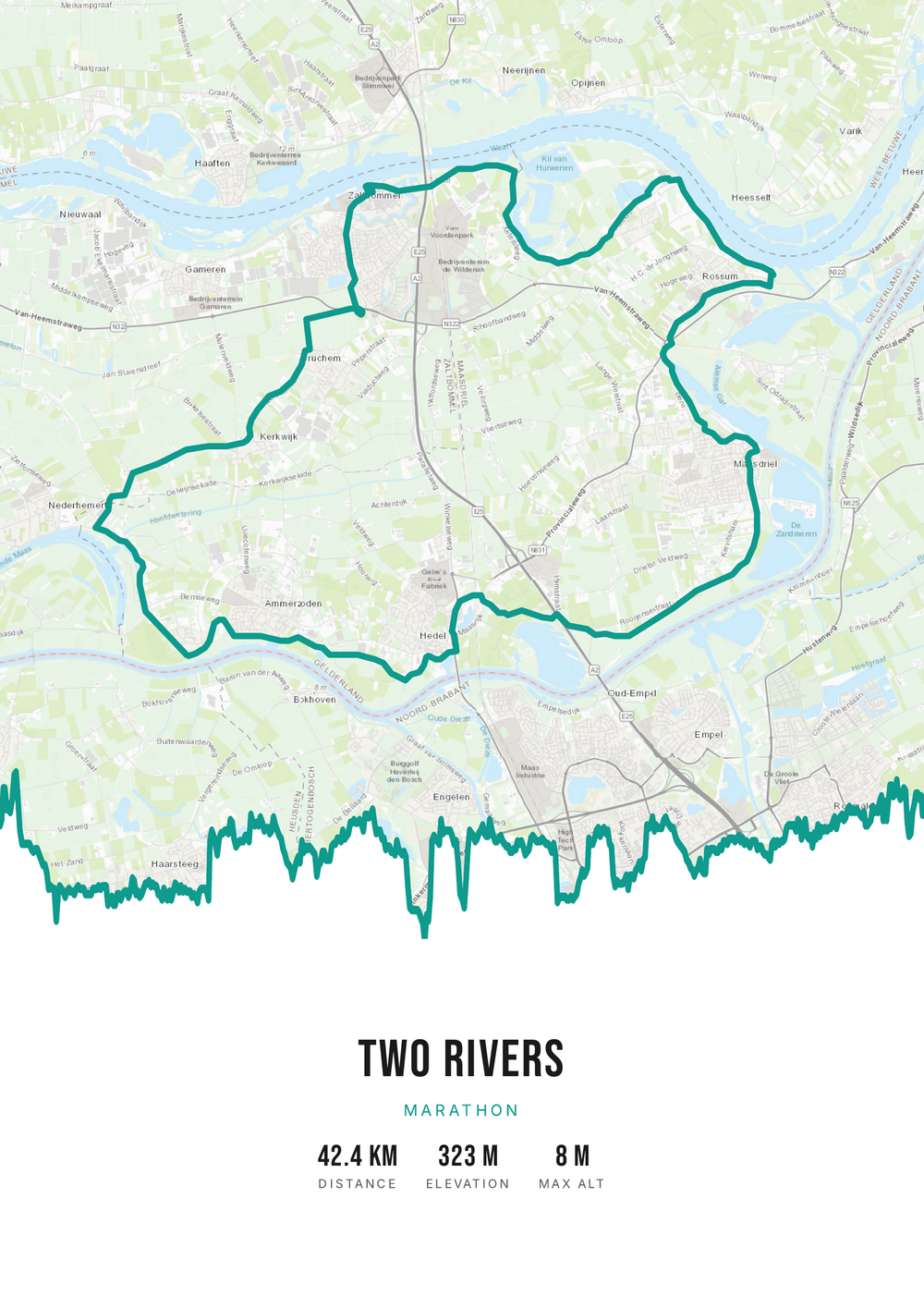
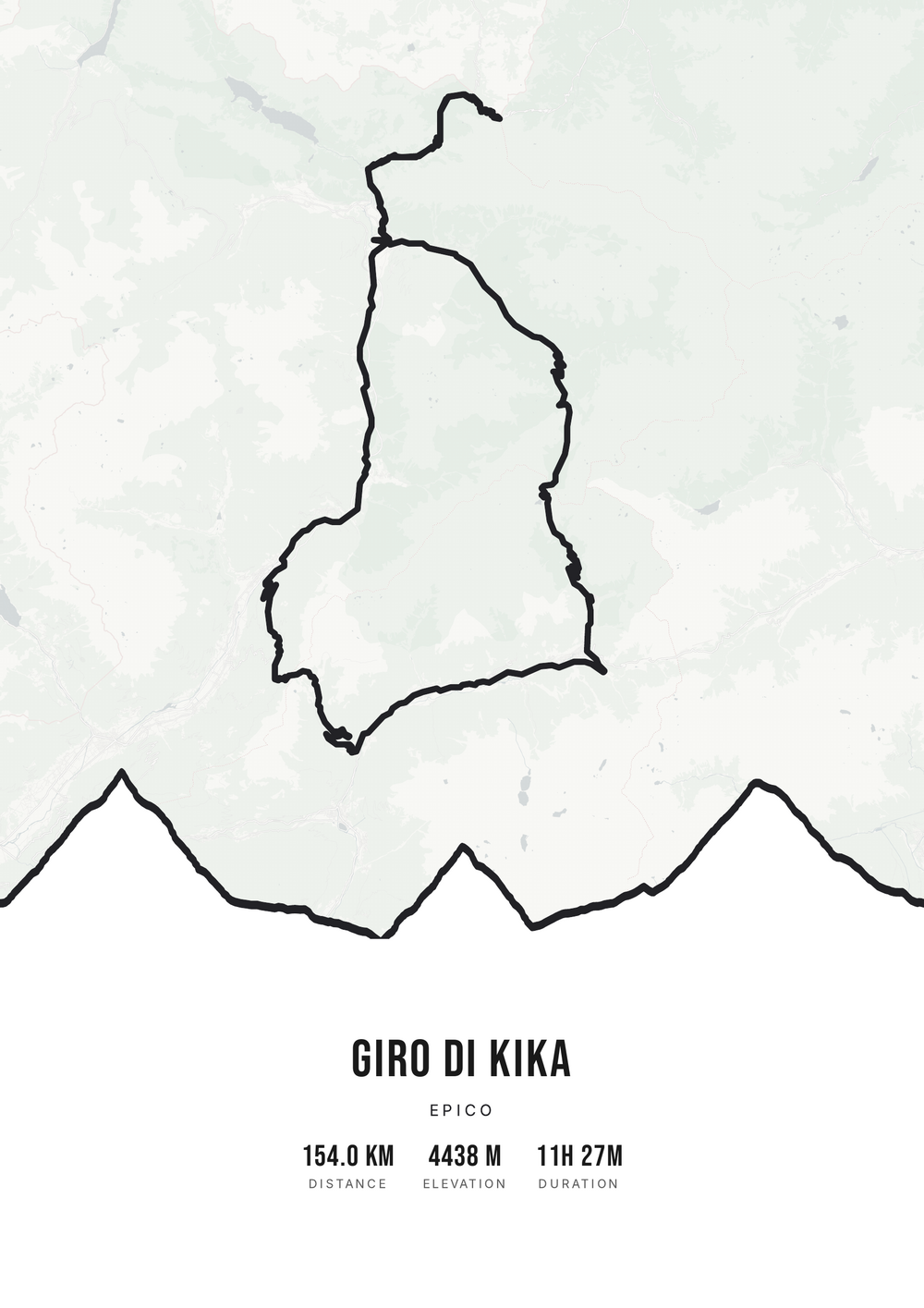
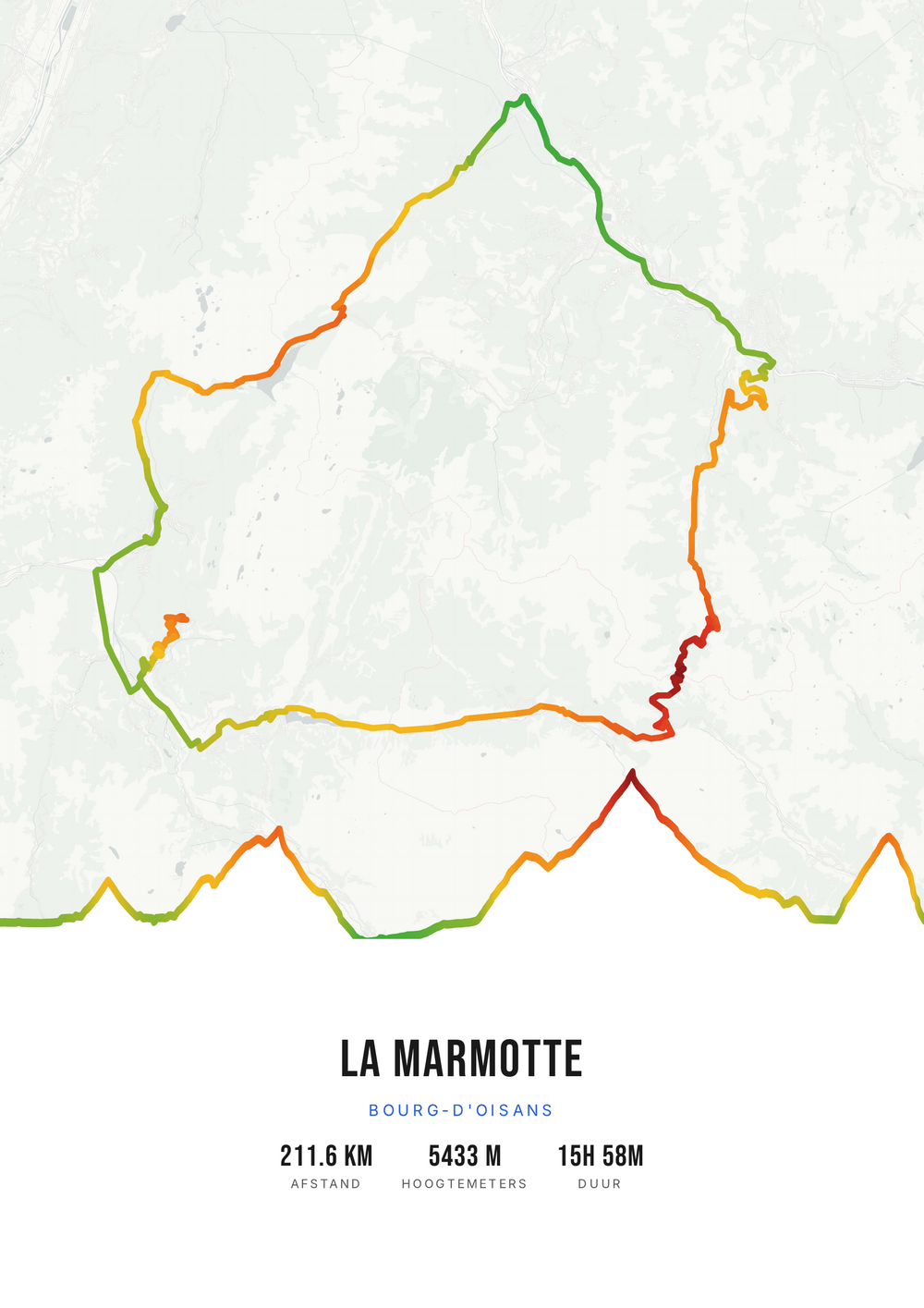
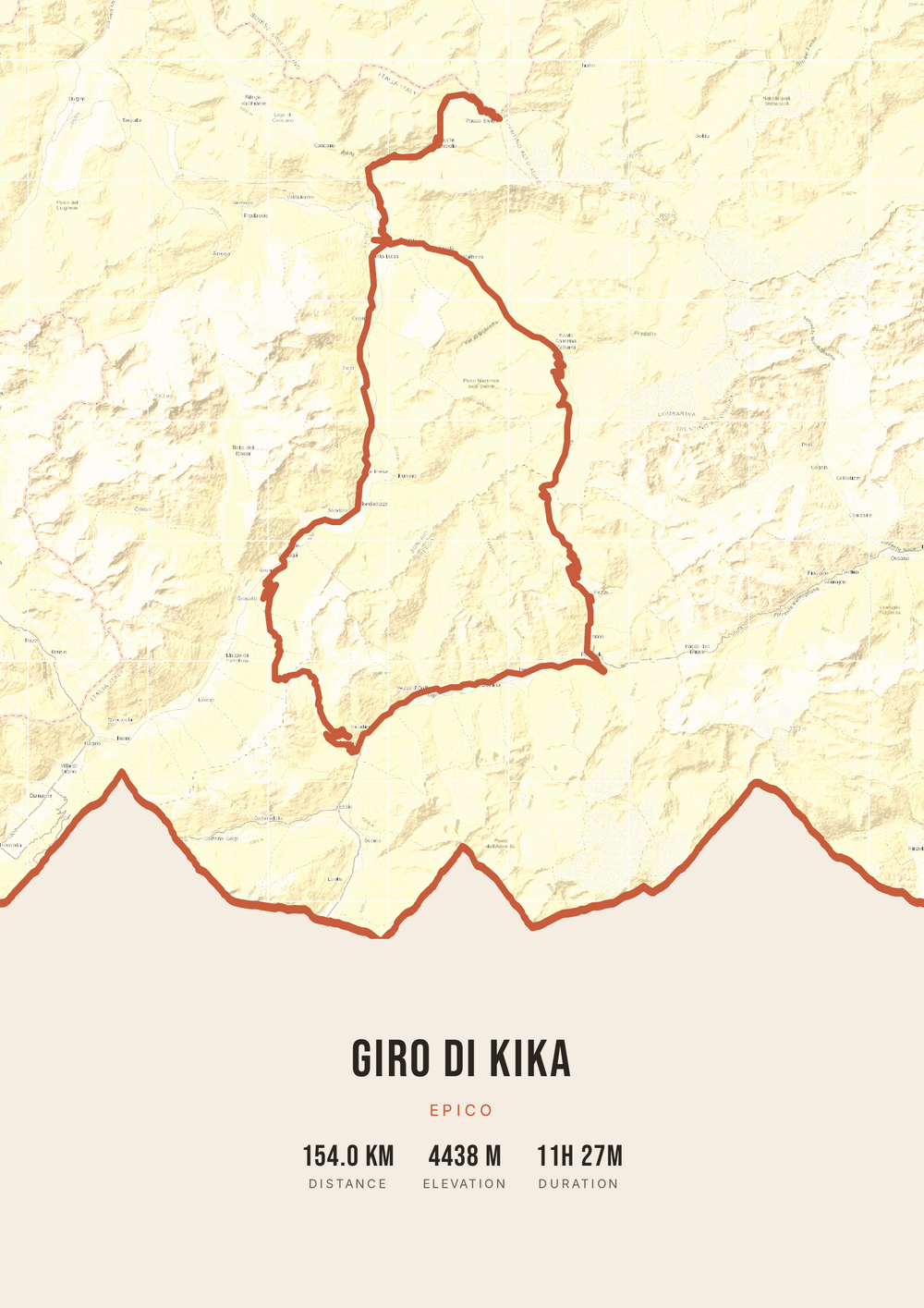
Not a one-off print — the source file itself.
At a print shop you get one printed poster — they keep the design file. Here it's the other way around: the high-quality PDF source file is yours. Print it at home or at the shop, frame it, and print it again in five years.
-
The source file, not one print
A print shop or framer hands over one print and keeps the design. Here the high-quality PDF file itself is what you buy — and it stays yours.
-
Print and frame however you like
A sharp vector PDF with no watermark. At home on A4, or blown up large and framed at the framer's — today, and again in five years.
-
Straight to your inbox
After payment the PDF and your invoice arrive automatically by e-mail. Lost the file? It's right there in your inbox.
Coming soon: broader packages and extra sizes.
How it works
From ride to poster in five steps
From GPX file to a framed poster on the wall — this is the whole route. Click through the steps or let them play.
Step 1 of 5
Download your GPX file
Grab your ride's GPX file from Strava, Garmin and others. One little file with your route — that's all you need to start.
Step 2 of 5
Upload your GPX
Drag the file onto Route Frame or click to pick it. We read distance, elevation and duration automatically.
Step 3 of 5
Make it yours in the editor
Tune it exactly how you like: pick a color palette, map style and background, and show the elevation profile and the stats you want. Endless tweaking — free.
Step 4 of 5
Simple, secure checkout
Pay once, no subscription. Check out with confidence on a secure payment page.
Step 5 of 5
Source file and invoice by email
Right after payment you get the high-quality, print-ready PDF source file with your invoice in your inbox. Print it at home or at a print shop — now or again in five years.
Print-ready vector PDF at A4. Exactly the source file you receive after payment.
No GPX file yet?
How to export your ride
Your poster starts with a GPX — the file that holds your route. Grab it from Strava or Garmin in half a minute.
-
1
Open your activity on Strava
Go to strava.com (easiest on a computer) and open the activity you want on the poster.
-
2
Open the actions menu
Click the three dots (⋯) at the top right of the activity.
-
3
Choose ‘Export GPX’
Your GPX file downloads right away. Ready to upload.
Tip: exporting works best on the Strava website; the option is tucked away in the app. A manual activity without GPS can't be exported.
-
1
Open your ride in Garmin Connect
Go to connect.garmin.com and open the ride under ‘Activities’.
-
2
Open the top-right menu
Click the gear icon (⚙) or the three dots (⋯) above the activity.
-
3
Choose ‘Export to GPX’
The GPX file downloads. Drop it in below.
Tip: this works on connect.garmin.com. In the Garmin Connect app the option is simply called ‘Export’.
Start now.
One file is all you need. Everything is editable later.